SE.Live Multi-Stream: TikTok Authentication shows "Connection successful" in browser, but OBS still prompts to "Connect"

Hi StreamElements Support Team,
I am experiencing an issue when trying to add TikTok to my Multi-Stream outputs in OBS using SE.Live.
Here is what happened:
- I clicked Connect for TikTok inside OBS.
-
A browser window opened, and I successfully logged in and authorized my TikTok account.
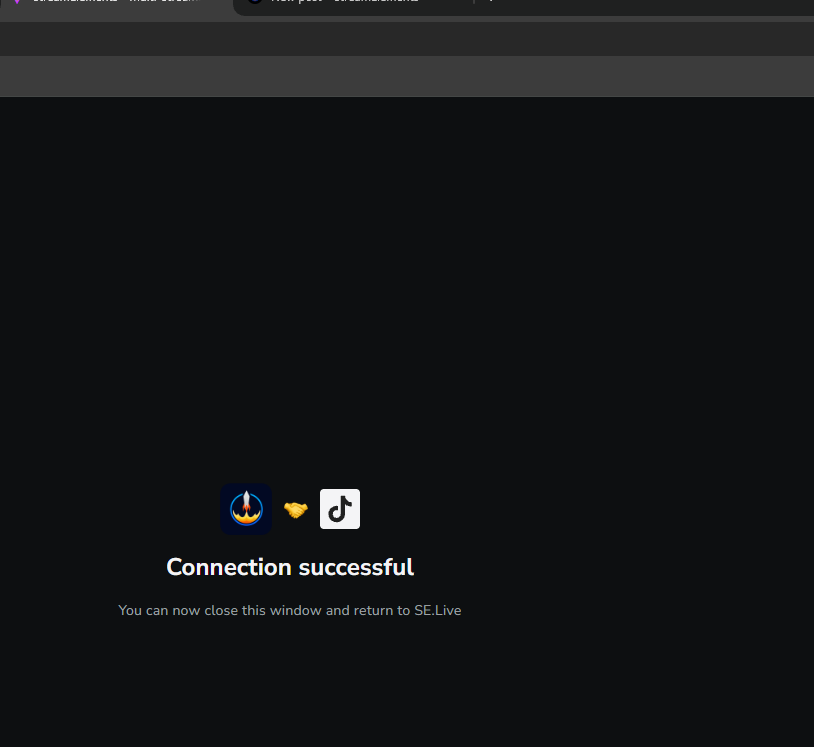
- The browser displayed the message "Connection successful - You can now close this window and return to SE.Live".
-
However, after closing the browser window, the OBS plugin/add-output window does not update. It still shows the Connect button instead of reflecting that the account is linked, and my TikTok stream output remains disconnected.
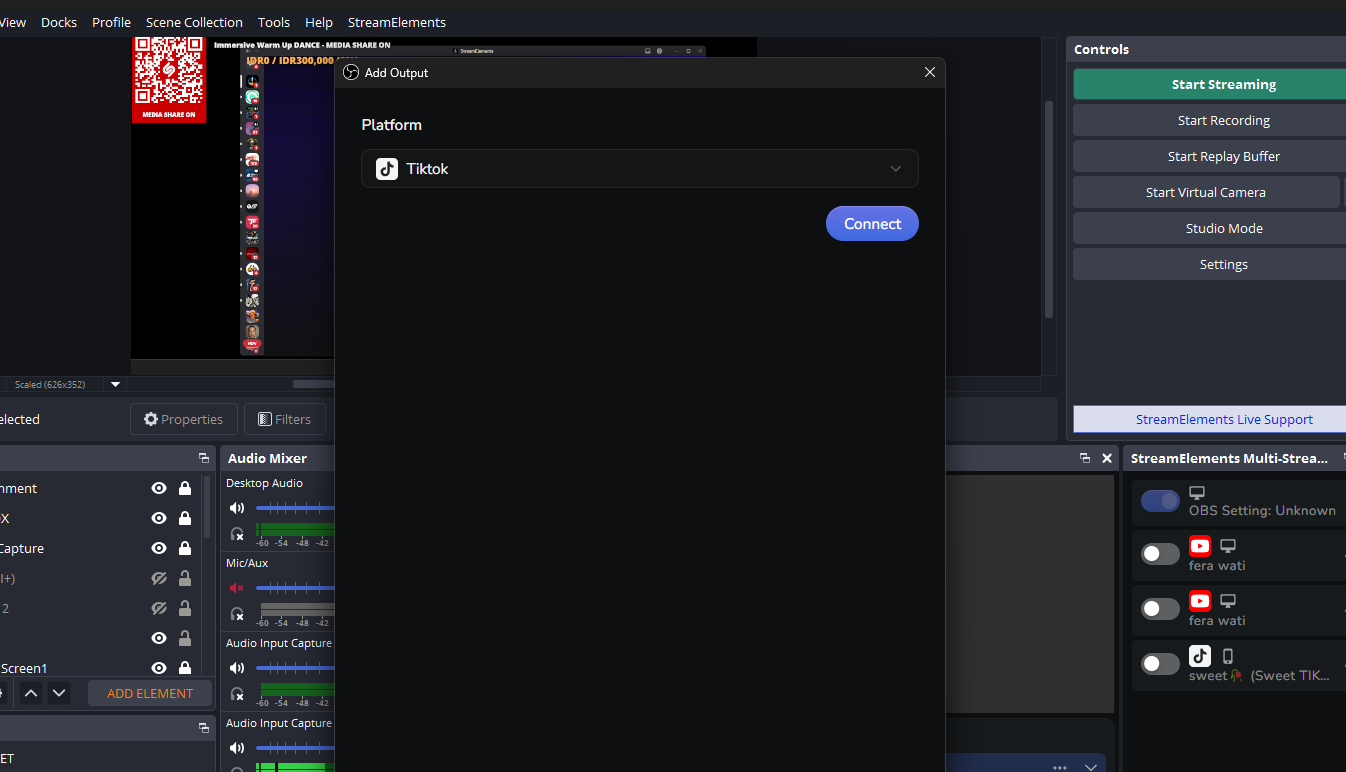
I have attached screenshots of the successful browser authentication screen and the OBS window that still asks to connect.
Could you please help me troubleshoot this synchronization issue?
Thank you!
-

did u have solve this issue? cause i stuck on this issue today, and dont get any solve
1 -

same! mine has been like this since 2 days ago and reinstalling both OBS and SELive hasnt fixed it. help!
0
Please sign in to leave a comment.
Comments
2 comments